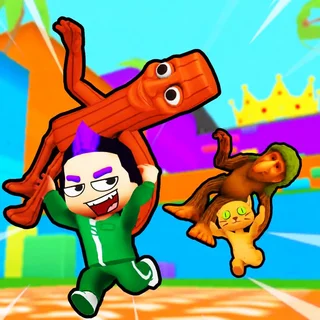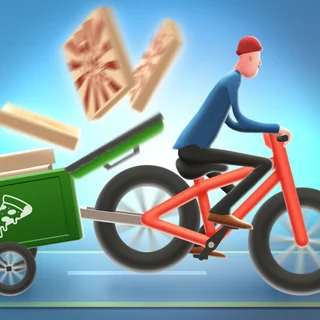
Learn to Fly

Learn to Fly 3

Burrito Bison

Burrito Bison Revenge

Toss the Turtle

Hot Air

Flappy Bird
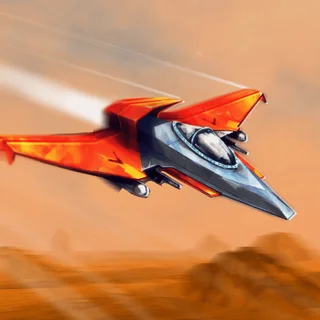
Sky Mad
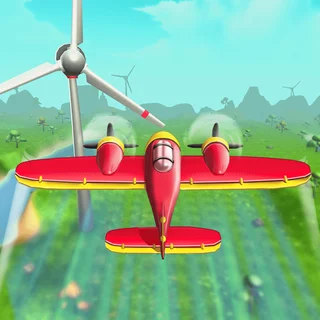
Perfect Landing: Plane Pilot
Johnny Upgrade
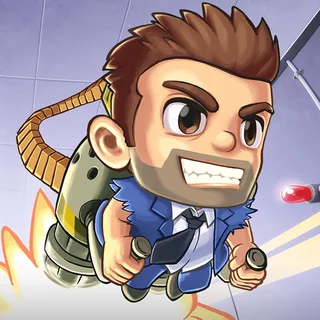
Jetpack Joyride

Stupidella Horror
Blumgi Rocket Unblocked — Play Free Online
Launch and FlightLaunch, boost, and flip your rocket car across chaotic obstacle courses in Blumgi Rocket. Play the fast-paced physics arcade game free in your web browser.
Blumgi Rocket unblocked: play Blumgi Rocket online free right here in your browser — no download, no sign-up, works on a school Chromebook.
Blumgi Rocket is a fast-paced physics platformer where you drive a tiny car outfitted with a powerful rocket engine. Instead of navigating tracks with conventional driving mechanics, you rely on explosive bursts of thrust to clear towering hills, launch across gaping chasms, and blast through loops. Every stage is a bite-sized obstacle course designed to test your reflexes, aerial balance, and sense of momentum.
The appeal of Blumgi Rocket lies in its instant feedback loop. Holding down the rocket button propels your vehicle forward with tremendous force, sending you soaring into the air at breakneck speed. Success depends on knowing when to gun the throttle and when to let gravity take over so you can align your wheels for a clean touchdown. Crashing into an obstacle or tumbling into water triggers an immediate reset, letting you adjust your trajectory and try again without delay.
If you enjoy the launch-and-propel rhythm of Learn to Fly, Blumgi Rocket delivers a similar satisfaction in high-speed, arcade-style micro levels. While Learn to Fly focuses on gradual upgrades and long-distance glides across the Antarctic, Blumgi Rocket distills the sensation of rocket propulsion into frantic obstacle runs where every split second counts.
How to play
Controlling your vehicle in Blumgi Rocket is straightforward whether you play solo or compete against a friend on the same keyboard. The core mechanics center around rocket thrust and rotational control:
- Rocket Boost: Press and hold Space, W, or the Up Arrow key to fire your rocket and accelerate forward. On touch screens or mouse-only setups, holding the left click provides continuous thrust.
- Steering and Air Rotation: Use A and D or the Left and Right Arrow keys to tilt your vehicle clockwise or counter-clockwise while airborne.
- Two-Player Mode: In two-player races, Player 1 controls boost and rotation using W, A, and D, while Player 2 uses the Arrow keys to race to the checkered flag.
Each course ends at a checkered finish line. Crossing it unlocks the next level and earns progress toward new vehicle designs, ranging from race cars to quirky trucks.
Tips
- Feather the throttle: Continuous boosting often flips your car backward or sends you flying over the target landing zone. Pulse the rocket in short bursts to maintain steady speed and stable orientation.
- Use momentum for flips: Completing full rotations in mid-air can help you squeeze under low overhangs or align with angled ramps before touching down.
- Stick the landing: Bouncing on your roof or front bumper robs your car of forward drive. Always adjust your rotation so all wheels hit the surface simultaneously.
- Anticipate moving hazards: Pay attention to rotating blades, floating platforms, and closing gates. Timing your boost to pass right as an obstacle clears saves precious seconds.
Similar games on Learn to Fly
If you love mastering momentum and aerial propulsion, several other titles on Learn to Fly share a similar spirit. Burrito Bison and Toss the Turtle offer classic launch mechanics where big boosts send characters flying through dozens of interactive obstacles. If you prefer high-speed platforming and sharp movement reflexes, OvO 2 tests your precision jumping across tight obstacle courses, while Jetpack Joyride provides endless vertical thrust and dodging action.
Blumgi Rocket runs directly in your web browser with no downloads or installation required. Its fast load times and rapid-fire levels make it ideal for quick gaming sessions on desktop computers, laptops, and Chromebooks alike.
Questions about Blumgi Rocket
Is Blumgi Rocket unblocked at school?
Blumgi Rocket runs in an ordinary browser tab from learntofly.ing, with nothing to download or install, so it plays on most school Chromebooks and work computers. If a network filter blocks the site, only that network's administrator can change it.
How do you control the car in Blumgi Rocket?
Press and hold Space, W, or the Up Arrow key to activate your rocket booster. While in mid-air, press A/D or Left/Right Arrow keys to rotate and balance your car.
Can you play Blumgi Rocket with two players?
Yes, Blumgi Rocket includes a local two-player mode where both players race on the same keyboard using split controls (W/A/D for Player 1 and Arrow keys for Player 2).
How do you unlock new cars in Blumgi Rocket?
You unlock new vehicle skins automatically as you complete levels and progress through the course map.
Does Blumgi Rocket save your level progress?
Yes, your completed stages and unlocked vehicles are saved locally in your browser storage so you can resume anytime.