Learn to Fly

Learn to Fly 3
Burrito Bison
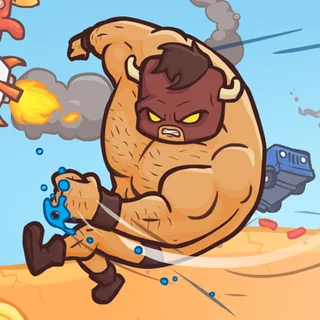
Burrito Bison Revenge

Johnny Upgrade
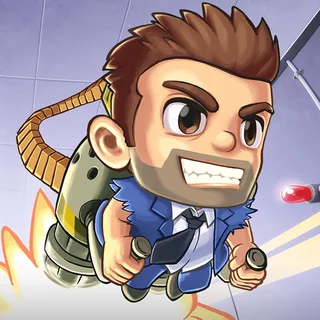
Jetpack Joyride

Hot Air
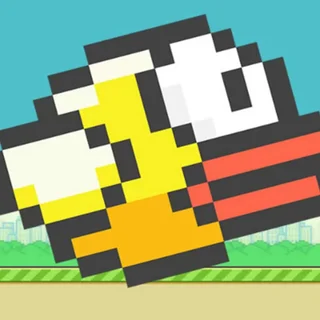
Flappy Bird
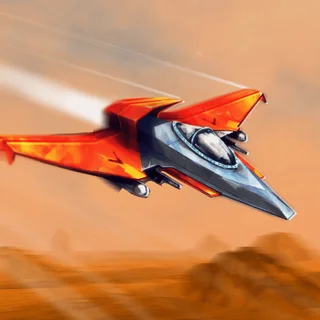
Sky Mad
Perfect Landing: Plane Pilot

Blumgi Rocket
Google Snake
Toss the Turtle Unblocked — Play Free Online
Launch and FlightLaunch a turtle from a cannon, juggle him mid-air with firearms, and buy massive artillery upgrades. Play Toss the Turtle free in your browser.
Toss the Turtle unblocked: play Toss the Turtle online free right here in your browser — no download, no sign-up, works on a school Chromebook.
Toss the Turtle is one of the definitive distance launcher games of the classic Flash era, created by Gonzossm and Foreverkul. Much like Learn to Fly, the core loop is immediately satisfying: fire your character across an expansive landscape, collect cash based on your distance and mid-air achievements, and invest your earnings into increasingly overpowered upgrades that propel subsequent runs even farther.
Where penguin gliders focus on sleek aerodynamics and wind resistance, Toss the Turtle embraces cartoon slapstick and pure explosive energy. You launch a resilient turtle out of high-powered artillery into a chaotic field packed with landmines, spike pits, bouncy mushrooms, passing aircraft, and absurd environmental hazards that can either slingshot your hero across the map or halt him in his tracks.
How to play
Each run starts at the launch cannon. Move your mouse to aim the barrel at your desired launch angle, then click and hold the left mouse button to build up the power gauge. Release the mouse button at peak power to blast the turtle into the air.
While airborne, steer the turtle using the WASD keys or the arrow keys to adjust tilt and guide his trajectory toward favorable bounce pads and speed boosts. You also carry a secondary weapon. Clicking the left mouse button while the turtle is in the air fires your equipped weapon directly at him, transferring explosive recoil that keeps his flight alive and extends your total travel distance.
Upgrades and strategy
Progress in Toss the Turtle comes down to how smartly you reinvest your prize money between attempts:
- Cannons: Progressing from basic gunpowder cannons to advanced artillery, tanks, and nuclear launchers provides enormous increases to your initial launch velocity.
- Guns and ammo: Purchasing stronger weapons and expanding your ammunition reserves allows you to juggle the turtle multiple times mid-air before gravity takes over.
- Support items and shells: Upgrading turtle gear and purchasing passive boosts increases the frequency of helpful airborne targets and enhances bounce resilience upon impact.
Early on, focus on balanced launch angles around 45 degrees to maximize both altitude and forward reach, and conserve your gunshots until the turtle begins losing upward momentum.
Similar games on Learn to Fly
Players who appreciate the launch and upgrade progression of Toss the Turtle will find plenty of great companion titles on this site. The Learn to Fly series provides a more physics-driven, glider-focused journey through snowy skies. For another action-packed distance launcher featuring destructive arena obstacles and rapid bounce mechanics, try Burrito Bison and Burrito Bison Revenge. If you enjoy accumulating cash to continuously upgrade your abilities across short runs, Johnny Upgrade offers a great platforming variation on the same upgrade loop.
Toss the Turtle runs directly in modern web browsers without requiring any downloads or plugins, automatically saving your unlocked artillery and high scores in local browser storage.
Questions about Toss the Turtle
Is Toss the Turtle unblocked at school?
Toss the Turtle runs in an ordinary browser tab from learntofly.ing, with nothing to download or install, so it plays on most school Chromebooks and work computers. If a network filter blocks the site, only that network's administrator can change it.
How do you control Toss the Turtle during flight?
Aim the cannon with your mouse, hold and release left click to set power, then use the WASD or arrow keys to steer in the air. Left click again during flight to shoot the turtle with your equipped firearm and boost his momentum.
What upgrades should I prioritize first in Toss the Turtle?
Upgrading your cannon and purchasing additional firearm ammo are the most cost-effective early upgrades, allowing you to achieve higher launch speeds and juggle the turtle longer before touching down.
Does Toss the Turtle save my upgrade progress?
Yes. Your accumulated cash, purchased cannons, weapons, and shell upgrades are automatically saved in your browser storage so you can pick up where you left off.